Stofen Omnibounce

Why's it orange?
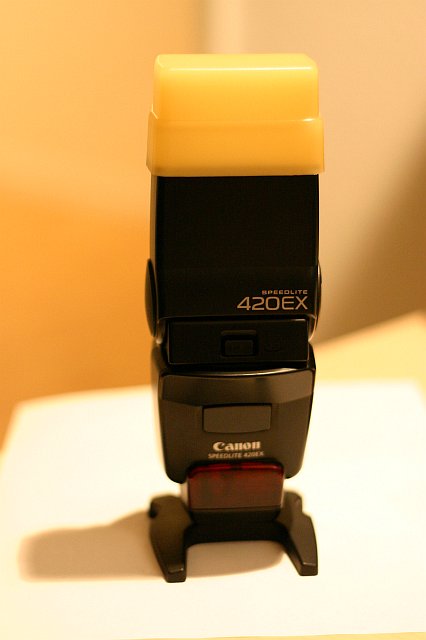


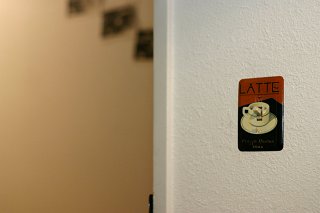
The Omnibounce is the plastic part which is snapped onto the flash. The above picture was taken with available light using Automatic white balance. The walls in the background are actually white. The orange color is typical of pictures taken in low lighting. As you can see, the orange color of the omnibounce closely matches this orange hue.


With Orange Stofen (tungsten wb) Without Stofen (auto wb)

Tungsten WB

Auto WB


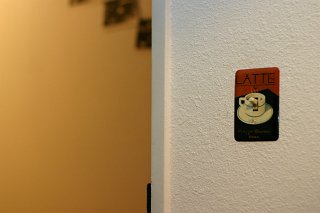
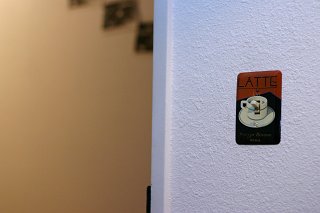
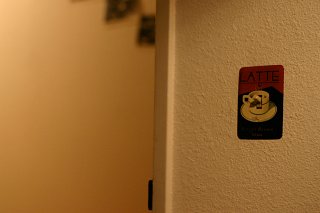
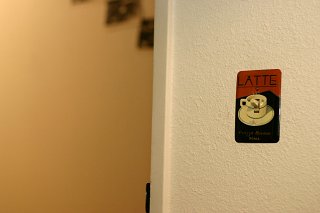
You'll notice in the picture above, the foreground wall appears white in both pictures. The background wall appears much more white when using the orange stofen and tungsten WB. Again, the wall is actually supposed to be white.


Typically, a photographer will set the white balance on their camera to "tungsten" (the light bulb icon) when shooting in low light. This corrects for the orange "warm" hue. The problem is unlike the warm color of tungsten bulbs, a flash is very close to pure white (very cold). When using tungsten white balance the flash appears quite blue. Blue faces against an orange wall isn't very easy to correct for in photoshop.

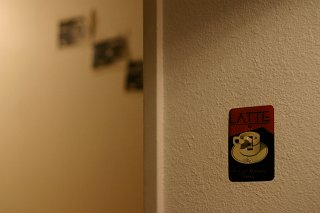
The goal in the chart below is to make the foreground and background walls both look as white as possible. The best match is the Orange stofen with tungsten WB.

No flash Flash with orange Omnibounce Normal Flash

Tungsten WB

Tungsten WB

Tungsten WB


No flash Flash with orange Omnibounce Normal Flash

Auto WB

Auto WB

Auto WB